
Browse the Help Center
Issue a transmittal
Pick documents from the register, add recipients, set a response date, and send a formal issue in one modal.
1 min read
Issuing a transmittal takes a minute: pick the documents, name the recipients, say why you are sending them, and set a response date. From then on, fluxems tracks the acknowledgements for you.
Issue the transmittal
- 1
In the sidebar, open Projects, open your project, then click Transmittals.

- 2
Click Issue transmittal.
- 3
Under Documents, pick the documents to send from the register. Each one goes out at the revision you select.

- 4
Add Recipients: type email addresses, or add from a distribution list to bring in a saved set of people in one click.
- 5
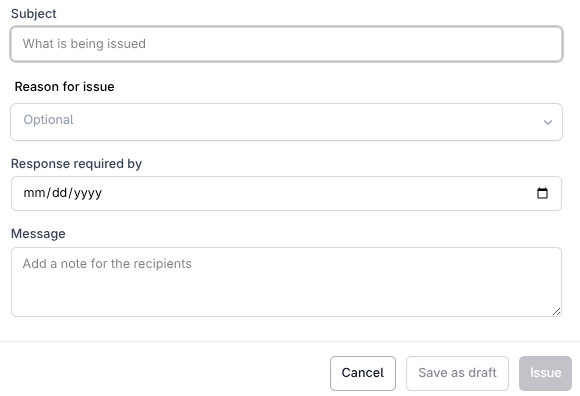
Give it a Subject, pick a Reason for issue (for information, for review, for construction), and set a Response required by date.
- 6
Add a Message if the recipients need context, then send.
What happens when you send
Every recipient gets the issue, whether or not they have a fluxems account. A new row appears in the transmittal register and starts tracking acknowledgements straight away, so you always know who has confirmed receipt and who is still outstanding.
Tip
Issuing to the same people every time? Distribution lists save you retyping the recipient set on every transmittal.
See it on the platform
Document controlWas this page helpful?
Need help? Contact support.
See what shipped in the changelog.
Questions about pricing? Talk to sales.
Something down? Check the platform status.
Found a bug in the product? Report an issue.
Missing something? Request a feature.