
01
One calendar, all the work
Meetings, deadlines, approvals and expiries together, filtered to you or to a project.
Tasks, approvals, renewals and meetings on one calendar, each assigned to a person and attached to the work it came from.
14 days · 5 seats · every module · no credit card
Deadlines live in personal calendars, a whiteboard and somebody's head. The ones that slip are the ones nobody owned, and they are usually found after they slipped.
Meetings, deadlines, approvals and expiries together, filtered to you or to a project.
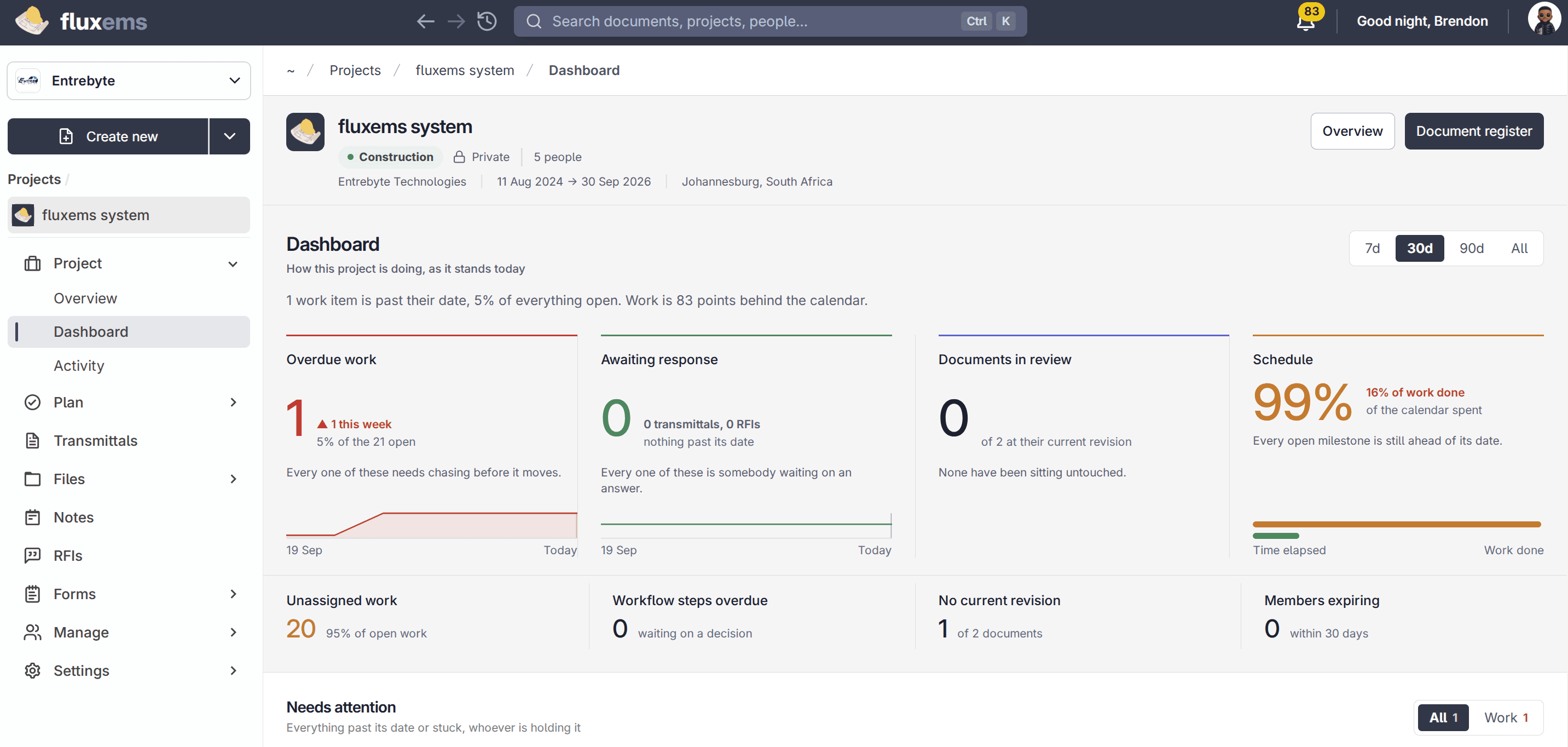
Every item has a named person and a date. Unassigned work is visible instead of invisible.
A task points at the document, project or record it is about, so nobody has to go looking.
Set a service, a review or a renewal to come round on its own schedule.
Email and in-app alerts ahead of the date, not a report about the date you missed.
Dates render in the timezone of whoever is looking, so a deadline means the same thing to everybody.
Milestones, reviews, renewals and meetings, against the work they belong to.
Assign it, and it appears on that person's view rather than in a general list.
Reminders go out before the date, and what is late is visible without anyone compiling it.
Projects, milestones, statuses and the people on them, with the documents filed against the work rather than beside it.
ExploreSend from inside the project or matter, and the reply comes back to the same place, attached to the work instead of buried in one person's inbox.
ExploreCompanies, the people at them, and the work you have in flight together, kept next to the documents rather than in a separate address book.
ExploreFourteen days free, five seats, every module. Bring real documents, not a demo dataset.
From the first client call to the final invoice, every part of the work sits in one place. Pick how you want to start.
Start on real work in minutes with a 14-day free trial. No credit card required to get started.
14 days · 5 seats · every module · no credit card
Twenty minutes with our team, built around how you already work. Bring a real project and the questions your team will ask.




 Accepted