Transmittals 101: issue documents like a pro
An email attachment is a hope. A transmittal is a record. Here is what a proper issue looks like, from reason for issue to chasing the last acknowledgement.
The fluxems team · Delivery
Every project issues documents. The difference between a professional operation and a lucky one is whether those issues leave a record. An email with six PDFs attached tells you almost nothing a year later: not which revisions went out, not who actually opened them, not what the recipient was meant to do. A transmittal answers all three, permanently.
What a transmittal actually is
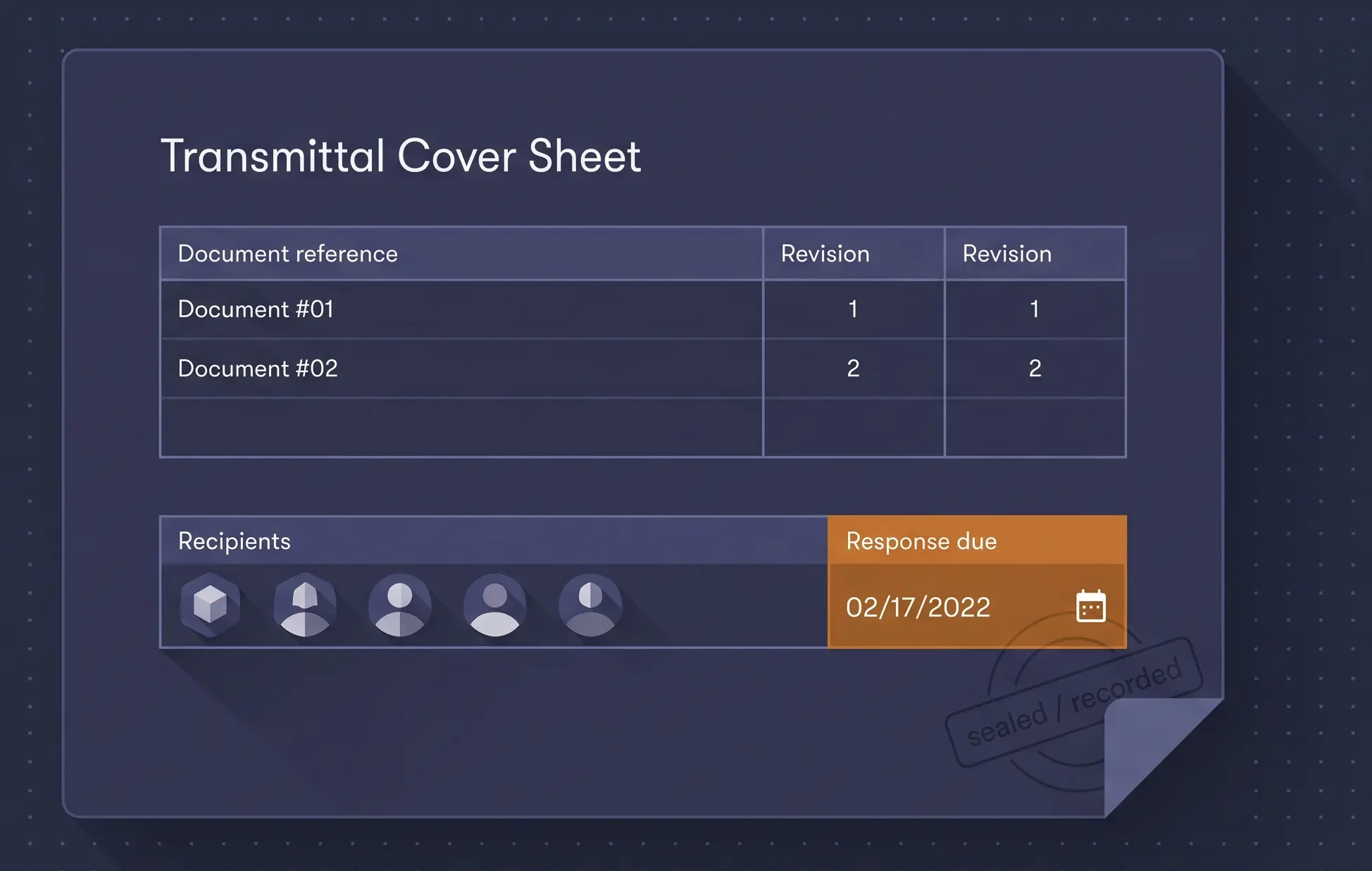
A transmittal is a formal, recorded issue of specific documents to specific people. It names each document by reference and revision, states why it is being sent, sets a deadline if a response is needed, and stamps the whole thing with a date and a sender. In fluxems it lives in the project forever, linked to the exact revisions it carried. If you are new to the concept, what is a transmittal covers the basics.
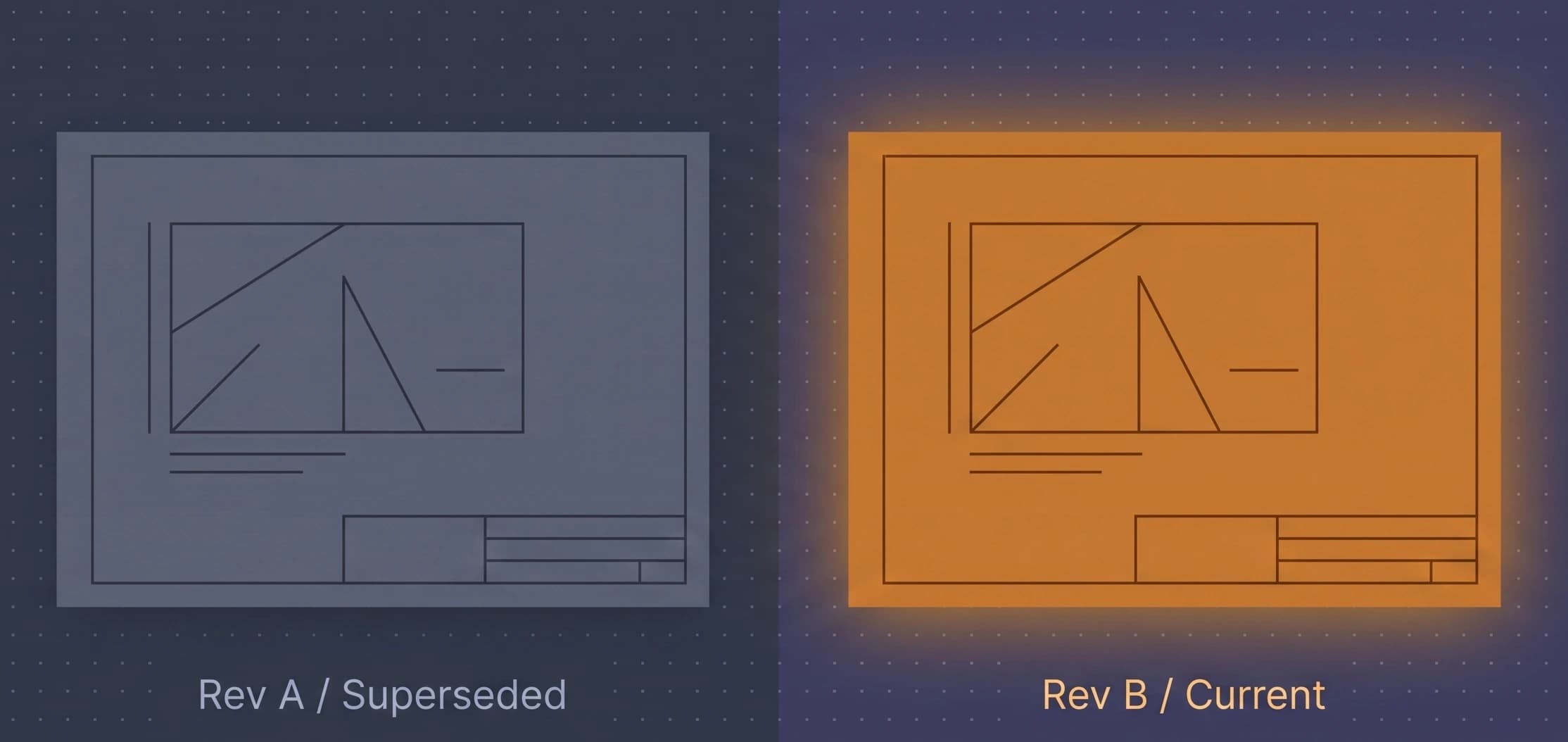
Compare that with an attachment. The email says "latest drawings attached". Which revisions? Whatever was on someone's desktop that morning. Who received it? Whoever survived the CC list. What were they meant to do with it? Read the paragraph and guess. Six months on, nobody can reconstruct any of it with confidence.
Reasons for issue do real work
Every transmittal states its purpose: for information, for review, for comment, for construction, for tender. This is not admin decoration. The reason for issue tells the recipient what they may do with the document and what you expect back. "For information" means no reply needed. "For review" means comments are due. "For construction" means build from this. Wrong-purpose disputes, where a contractor built from a set issued only for comment, are among the oldest arguments in the industry, and a stated reason for issue settles them before they start.
- For information: keep the recipient in the loop, no response expected.
- For review or comment: a response is expected, so pair it with a deadline.
- For construction: the recipient may build from these revisions.
- For tender: pricing only, and the record proves exactly what was priced.
Receipts, acknowledgements, and the chase
Sending is half the job. A transmittal in fluxems tracks what happens next: each recipient acknowledges receipt, and the transmittal shows who has and who has not. That turns "I never got it" from a stalemate into a checkable fact. It also gives you a working to-do list. Open the transmittal, see the outstanding names, and chase those, only those, before the deadline lands. The guide to tracking acknowledgements shows the flow.
Set the deadline when you issue
A response deadline set at issue time is ten times easier to enforce than one invented afterwards. Put it on the transmittal, in SAST, and the chase becomes "your response is due Thursday", not a negotiation.
Immutability is the point
Once a transmittal is issued, it cannot be edited. Not the document list, not the recipients, not the date. That can feel strict the first time you typo a deadline, but it is exactly the property that makes the record worth anything. An issue log that can be quietly amended after the fact proves nothing. An immutable one is evidence: this exact set, to these exact people, on this exact day. If you got something wrong, you issue a correction, and the record shows that too, which is honest and complete.
When the delay claim or the defect dispute arrives, and on a long project one usually does, the team with an immutable transmittal history reads out facts. The team with a shared inbox reads out apologies.
Ready to make issues boring and defensible? Start with issuing a transmittal, or see the wider workflow on our document control solution page.