Designing ball in court: making the next move obvious
Stalled projects are rarely short on information. They are short on ownership. Here is why we built ball in court the way we did, and how it turns waiting into a visible, assignable state.
The fluxems team · Product
When we interviewed teams about why their projects stalled, we expected to hear about missing drawings and slow consultants. We heard something else. The information usually existed. What was missing was a clear answer to one question: whose move is it? An RFI sits open for nine days not because nobody can answer it, but because three people each assume one of the others is on it. That ambiguity is the real delay. Ball in court is our answer to it.
The insight: ownership, not information
Most tools treat a review or an RFI as a status: open, in progress, closed. Statuses describe the item. They say nothing about the person. So we flipped it. Every document under review and every open RFI in fluxems carries one thing above everything else: the name of the person or team the next move belongs to. Not who raised it. Not who is watching it. Who has to act right now for it to move.
That single design choice changes the conversation on site. Instead of "what is happening with the slab drawings", the question becomes "the ball is with the structural engineer, has been for four days". One is a mystery. The other is a fact you can act on.
The bar: one glance, three tones
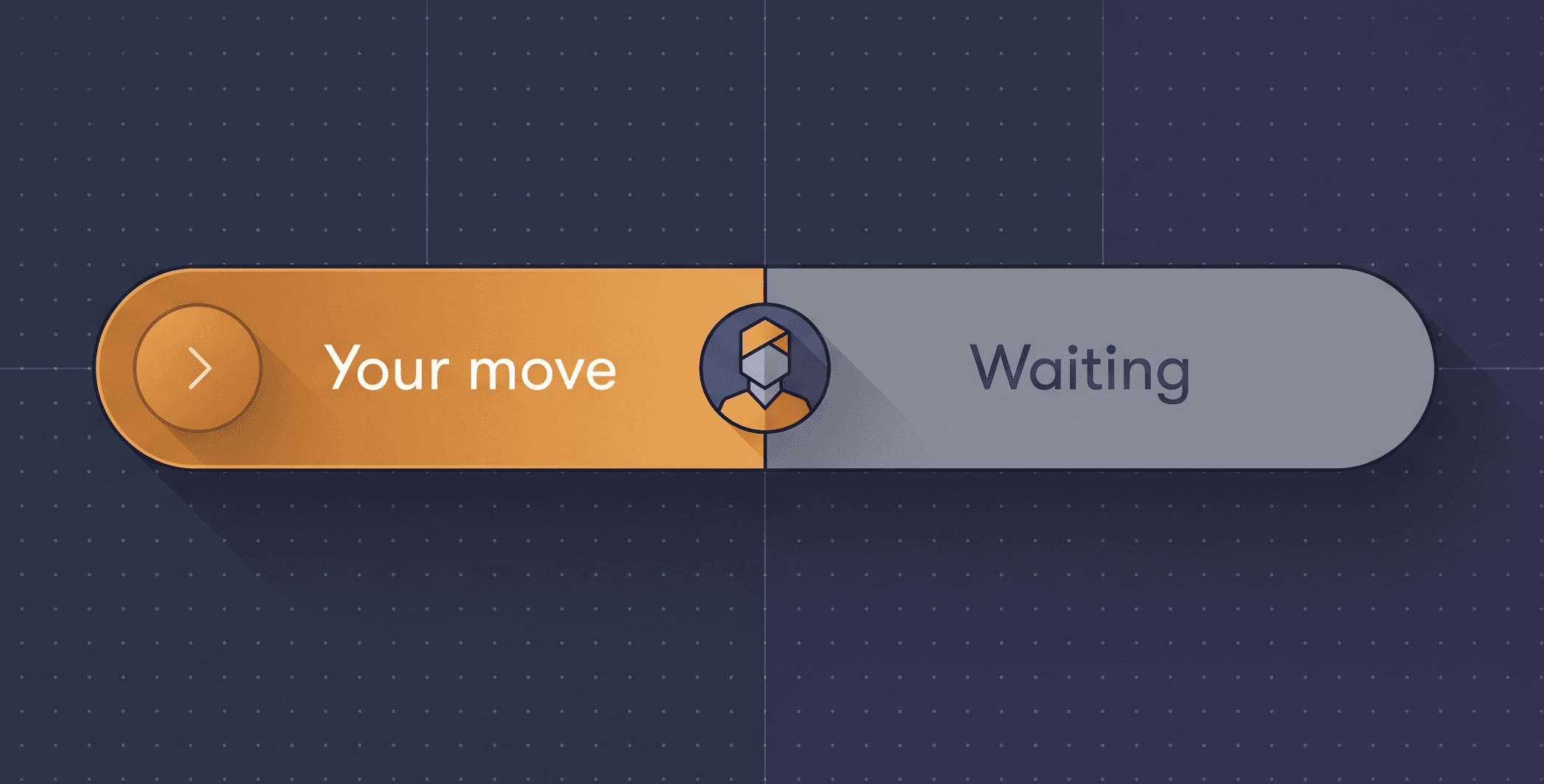
On a document or an RFI, ball in court renders as a bar you cannot miss. It uses three tones, and the tone does most of the talking. An action tone when the move is yours: the bar is loud on purpose, because this item is waiting on you. A waiting tone when the move belongs to someone else: quieter, informational, with the name and how long they have held it. And a success tone when the loop is closed: reviewed, answered, done.
- Action: it is your move. The bar tells you exactly what is expected, and the primary button is right there.
- Waiting: someone else holds the ball. You see who, and for how long.
- Success: the item is resolved. The trail of who moved it and when stays attached.
Reminders do the chasing for you
When an item sits with the same person too long, fluxems nudges them, not you. You stop writing "just following up" emails, and the record shows the reminder went out.
From a bar on a page to a personal to-do list
A bar on a document only helps if you open the document. So we aggregated it. The My action queue card on your dashboard collects every item across every project where the ball is currently with you: documents waiting on your review, RFIs waiting on your answer, transmittals waiting on your acknowledgement. It is not a feed of activity. It is a list you can finish, ordered by how long each item has been waiting. Clear the queue and you are, genuinely, not blocking anyone. You can pin it front and centre by customising your dashboard.
What we deliberately left out
We resisted making ball in court a blame tool. The bar shows whose move it is, not a leaderboard of who is slowest. Durations are visible because they are useful, but there are no red shame badges and no public rankings. The goal is that the next move is obvious, not that anyone dreads opening the app. In practice, visibility alone does the work: when everyone can see the ball, people pass it.
Ball in court runs through document reviews, RFIs, and transmittal acknowledgements today. If you want to see how it fits into a review workflow, start with how reviews and approvals work, or book a walkthrough and we will show you a live queue.